V1.19 Remote Control in Meetings and More
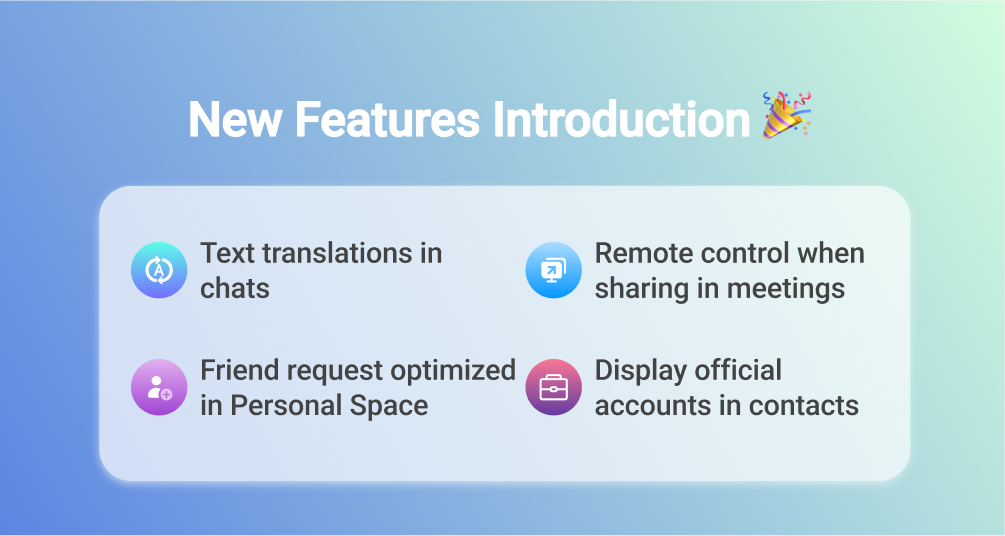
Dear users, We have some new features to share with you. 🎉🎉
🎁 Text translations in chats
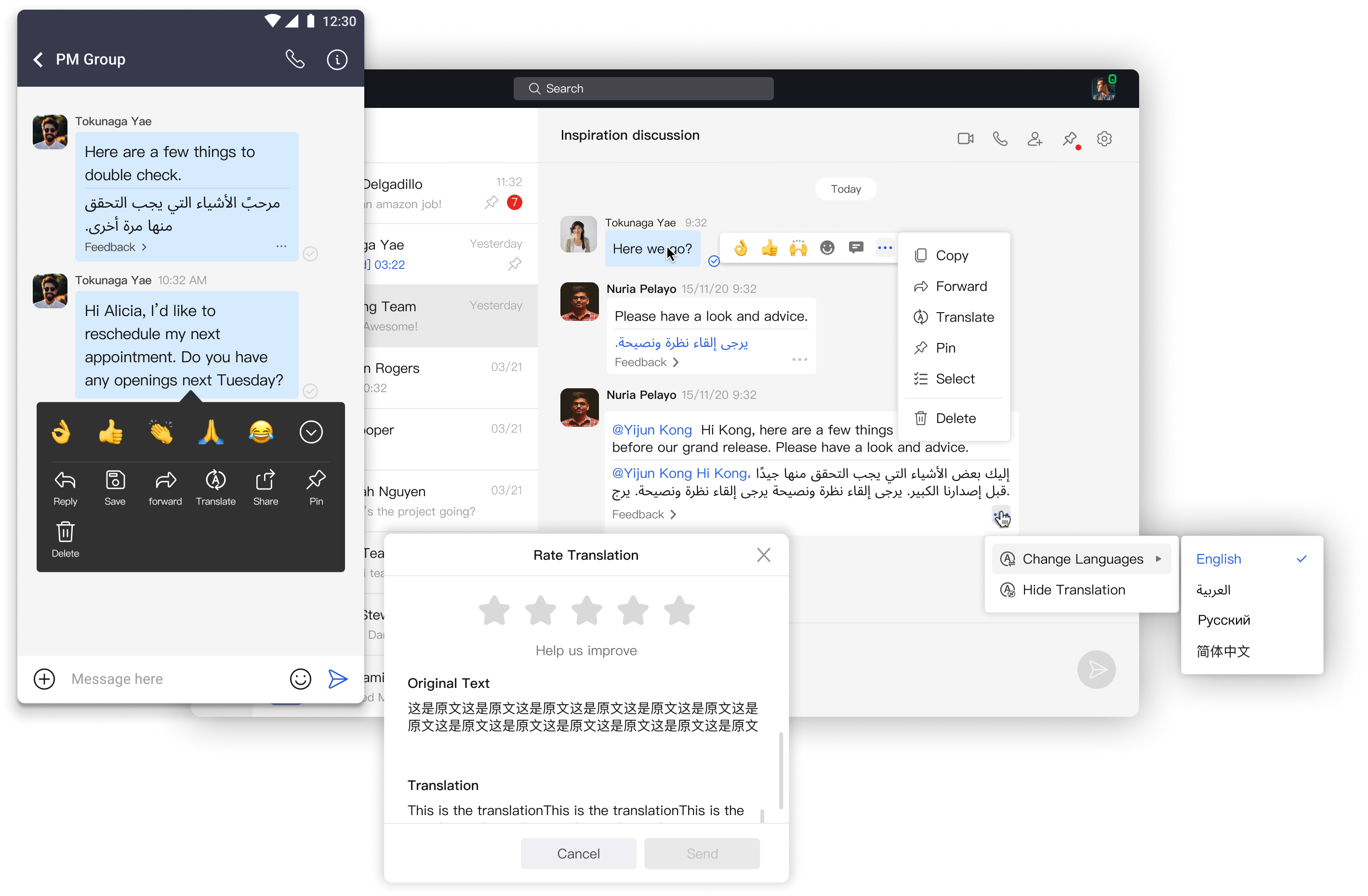
- 4 languages are supported. You can translate between English 🇬🇧🇺🇸, Arabic🇦🇪, Russian🇷🇺 and Chinese🇨🇳.
- You can set up the 'Translate into' language in Settings - Preference - Chat to define the default target language.
- Please help us improve by leaving us feedbacks if you have any advices about the translation.
⠀
🎁 Remote control when sharing in meetings
- In both meetings or 1v1 calls, remote control is enabled when someone is sharing their screen or any applications.
- If you are the presenter. You can assign the control permission of your keyboard and mouse to other participants when you are sharing.
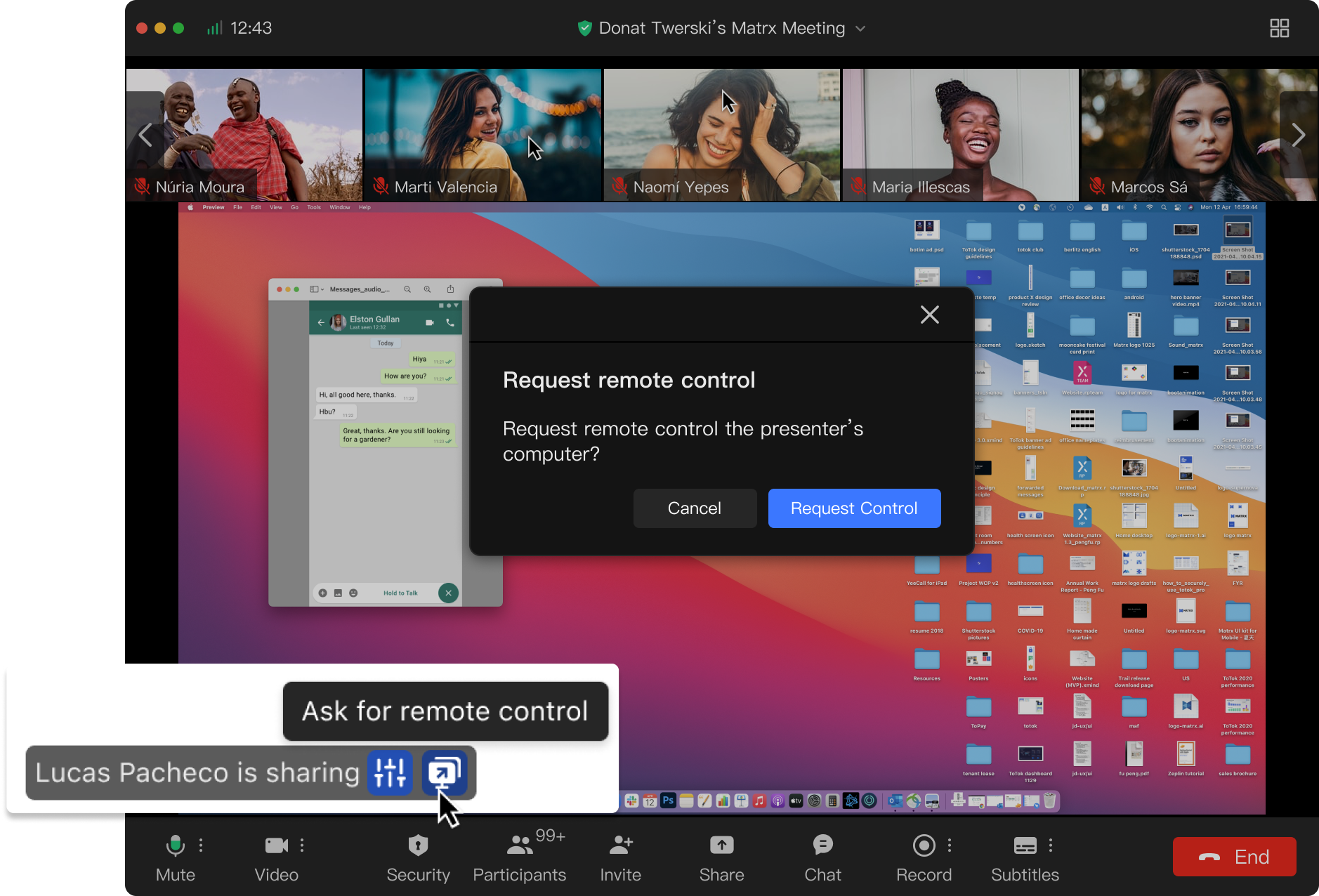
- If you are the audience. You can ask for permissions to control the presenter's computer 🙋.
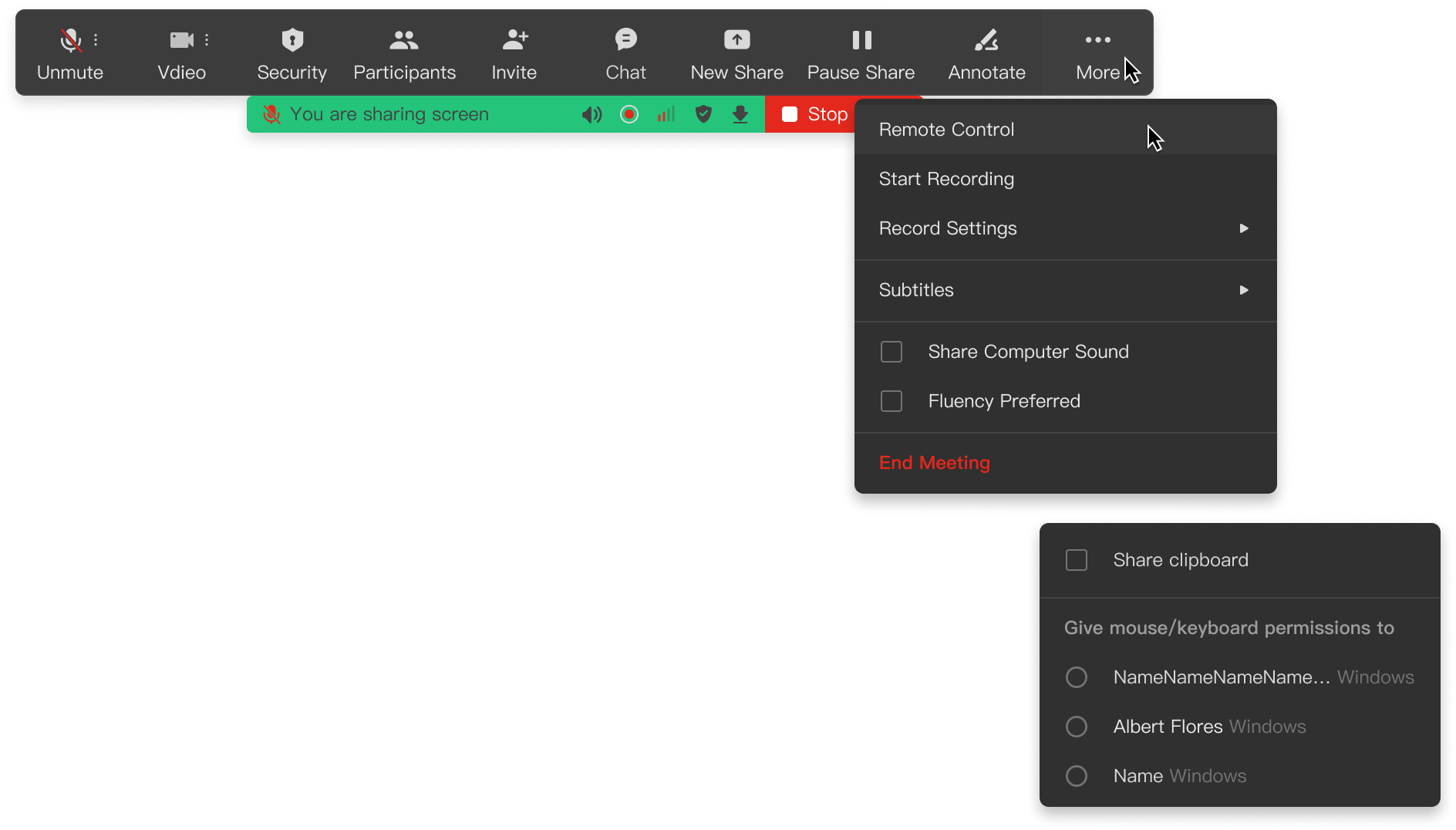
- 💻This remote control feature is only enabled for mac and windows participants.
⠀
🎁 Friend request optimized in Personal Space
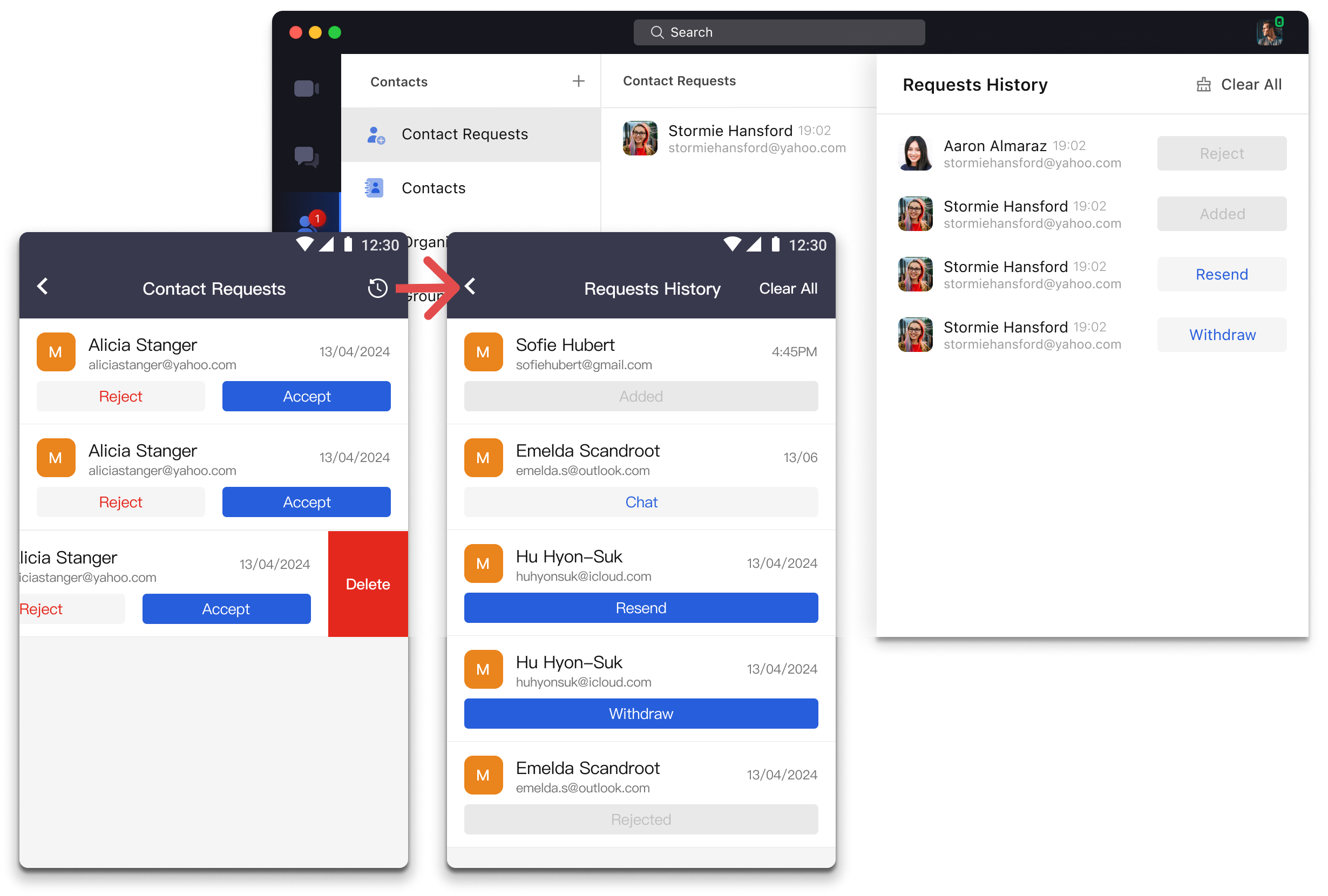
In personal space, you can add a contact to chat with by yourself. Now we optimised the actions in Contact Requests list. To add friends, you can recall the application or rejected for add friends application.
- If you'v sent requests to add others as your contant. You could
- Recall the application before him or her reply to that.
- Resend the application to remind him or her to reply.
- When you are asked to be others's contact. You can accept or reject
- If you find the requests too many, and a little bit annoying. You can always delete them.
⠀
🎁 Display official accounts in contacts
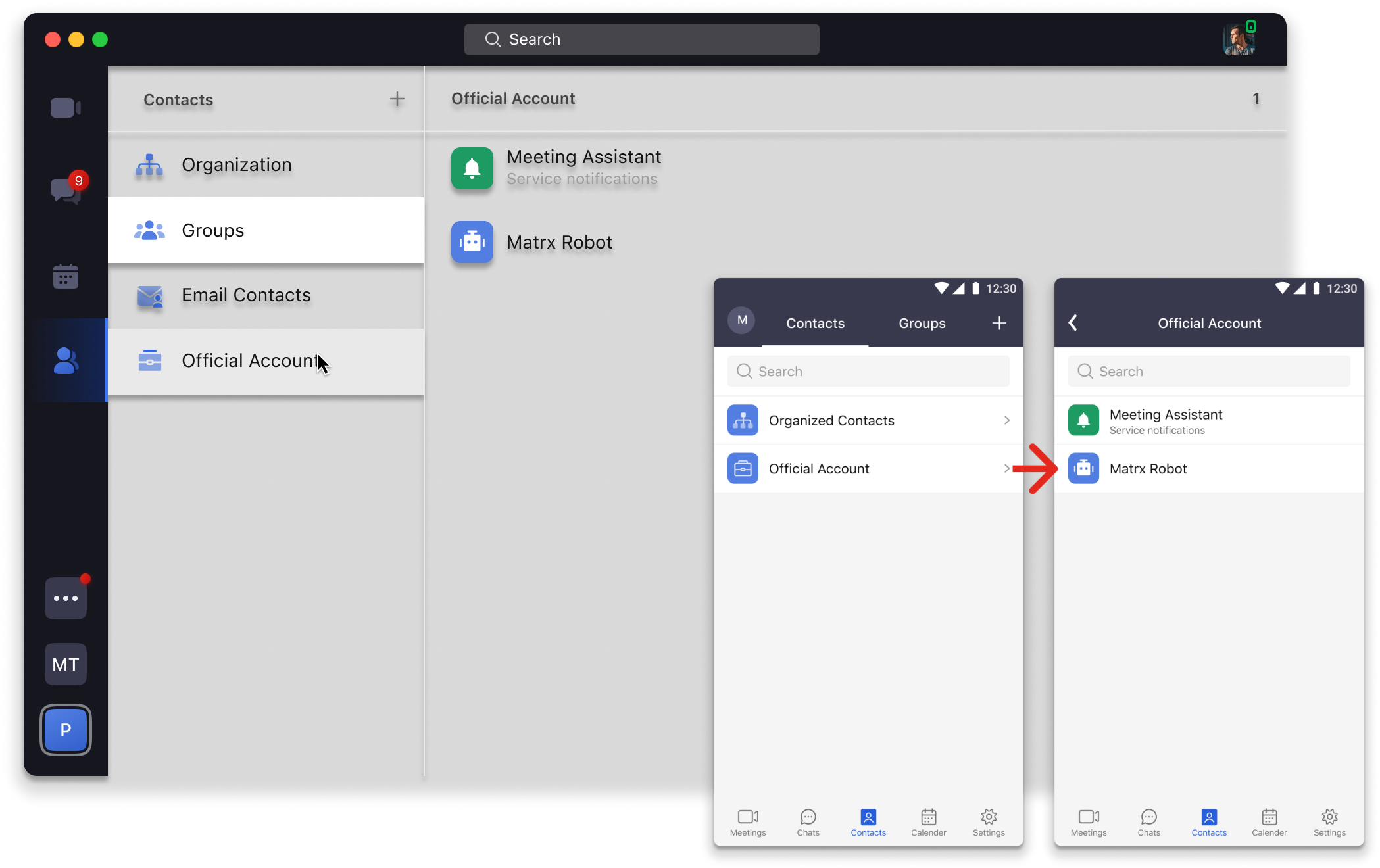
Now we add entrance for official accounts in contacts. You can click to see all the official accounts. If you want to define a robot, you can ask for permission from your admin to create one in the Admin Portal. And use it as you want. Have fun with the robots 🤖🤖🙋🙋!
🎁 Send messages to yourself
Brilliant ideas coming out? Now you search yourself and click ‘Chat’ to send them to yourself 📩📩📩 !